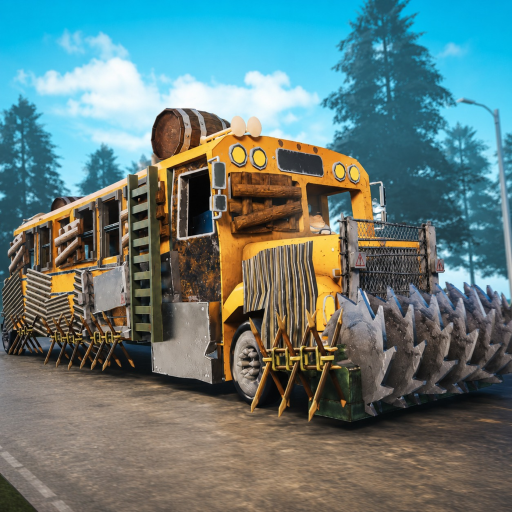
Last Stop official Roblox game icon
Player-input tool

Last Stop Run Checklist

Track a private Last Stop run checklist in your browser, hide irrelevant steps, save locally, print, export, import, and share without an account.

No accountLocal saveImport and export
Quick answer

A working, locally saved Last Stop run checklist

Use this to record which visible preparation, bus, survival, encounter, and ending checks you have completed this run. The interactive checklist below provides visible-step progress, optional Hospital, Anubis, and Fred sections, the next unchecked task, reset, print, JSON import/export, and URL-fragment sharing. It saves in this browser and requires no Roblox login.

Private browser tool

Build your current run plan

Check only what you personally confirmed. Completion means every visible planning step is checked; it does not guarantee a win or verify hidden game state.

Visible progress0%
0 / 21

Next: Correct game and Place ID confirmed

Optional route goals

Enable only the special stops or ending branch planned for this run.

Before departure

Confirm the exact game, controls, bus, inventory, and team plan before the road starts.

At each loot stop

Repeat these checks before the bus leaves a scavenging stop.

Before crafting

Use the current workbench screen as the source of truth for ingredients and quantities.

Before combat

Prepare using what the current inventory and interface show, not an assumed statistic.

End-of-run notes

Optional notes stay in this browser and JSON exports. They are deliberately omitted from share links.

Progress is saved only in this browser.

1 · Scope

Enable the route you intend to play

Departure, loot, crafting, and combat checks stay visible. Add Hospital, Anubis, or Fred only when that objective belongs to this run.

2 · Confirm

Check visible facts, not guesses

Inspect unknown pickups, match the weapon and ammunition shown, protect objective items, and use current prompts instead of remembered values.

3 · Carry

Move progress deliberately

Local storage is automatic. Use JSON for an explicit backup, a note-free link for sharing, or the print view for a second screen.

FAQ

Checklist questions

Does 100% checklist progress guarantee a win?

No. It means every currently visible planning step is checked. Combat, random events, team decisions, and update-sensitive mechanics can still change the run.

Where is my Last Stop checklist stored?

It is stored in local browser storage on this device. The site does not require an account or send your checklist to Roblox.

Can I add Hospital, Anubis, or Fred preparation?

Yes. Enable those optional route goals and their steps become part of the visible progress calculation.

What is included in a share link?

The link contains checked step IDs and enabled optional sections. Private end-of-run notes are deliberately excluded.